Guide
Records make remote control possible
When the infrastructure owner is outside China, photos, checks, notes, and live verification help the remote team keep control of the change.
Before work starts
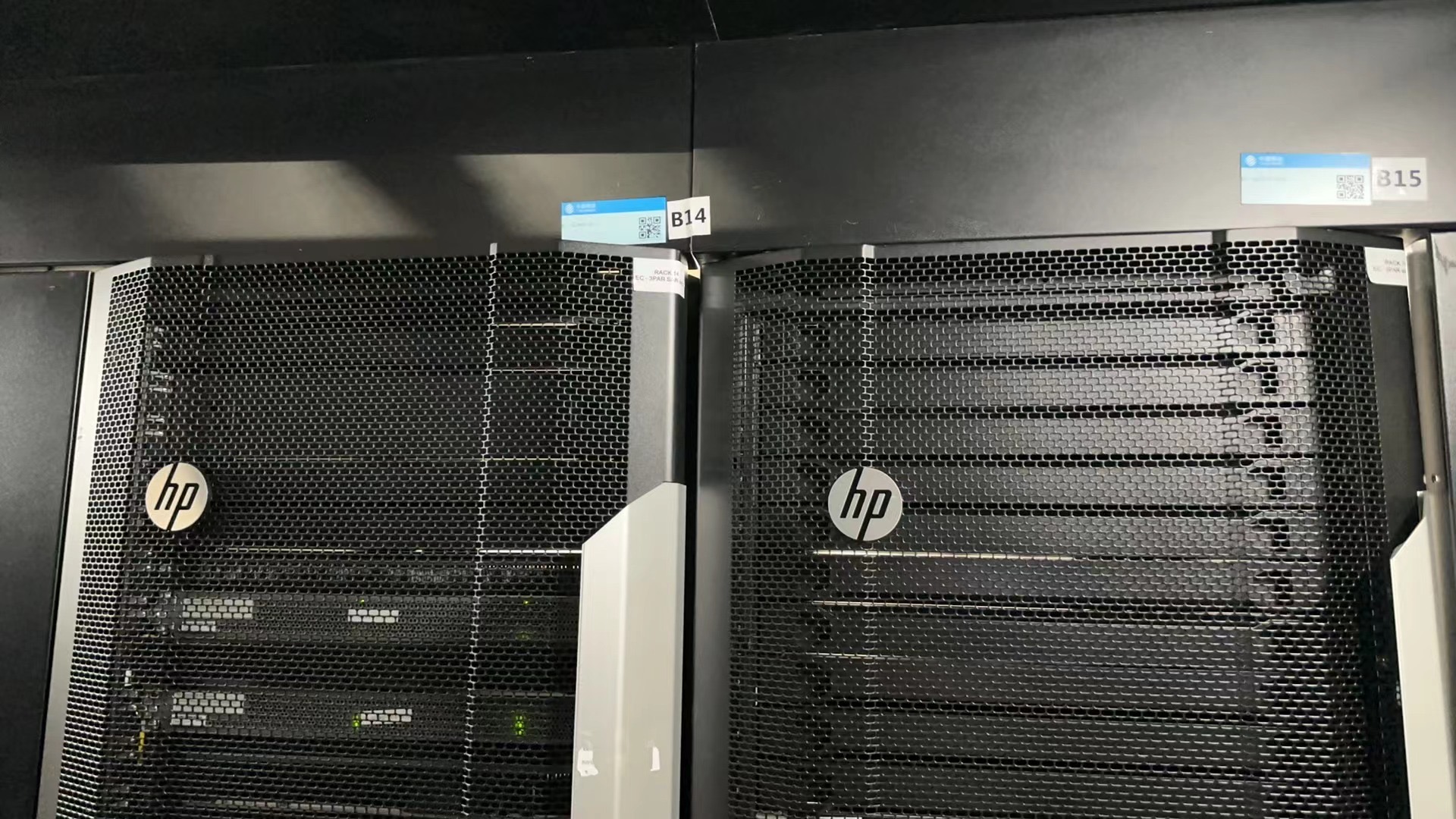
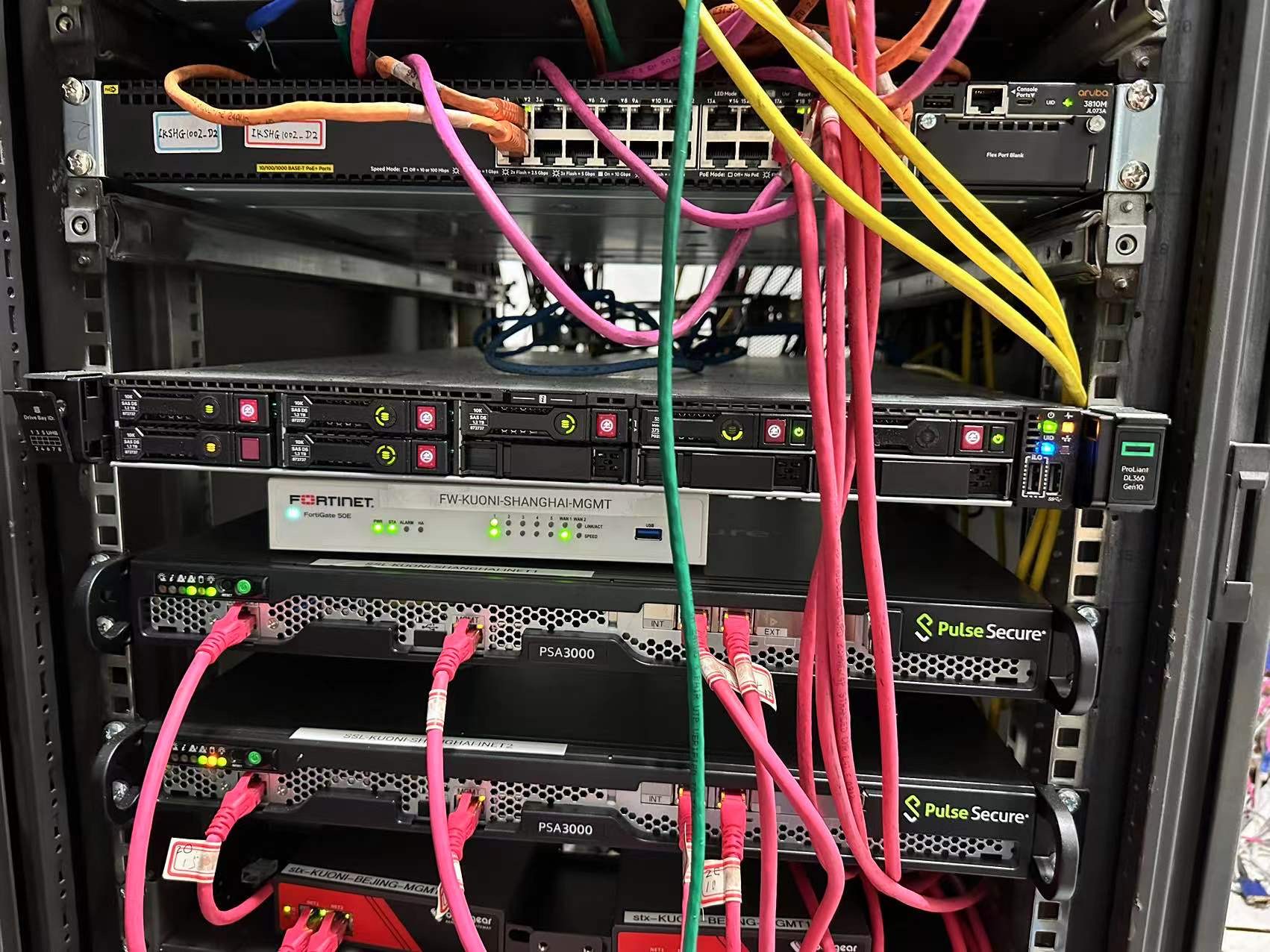
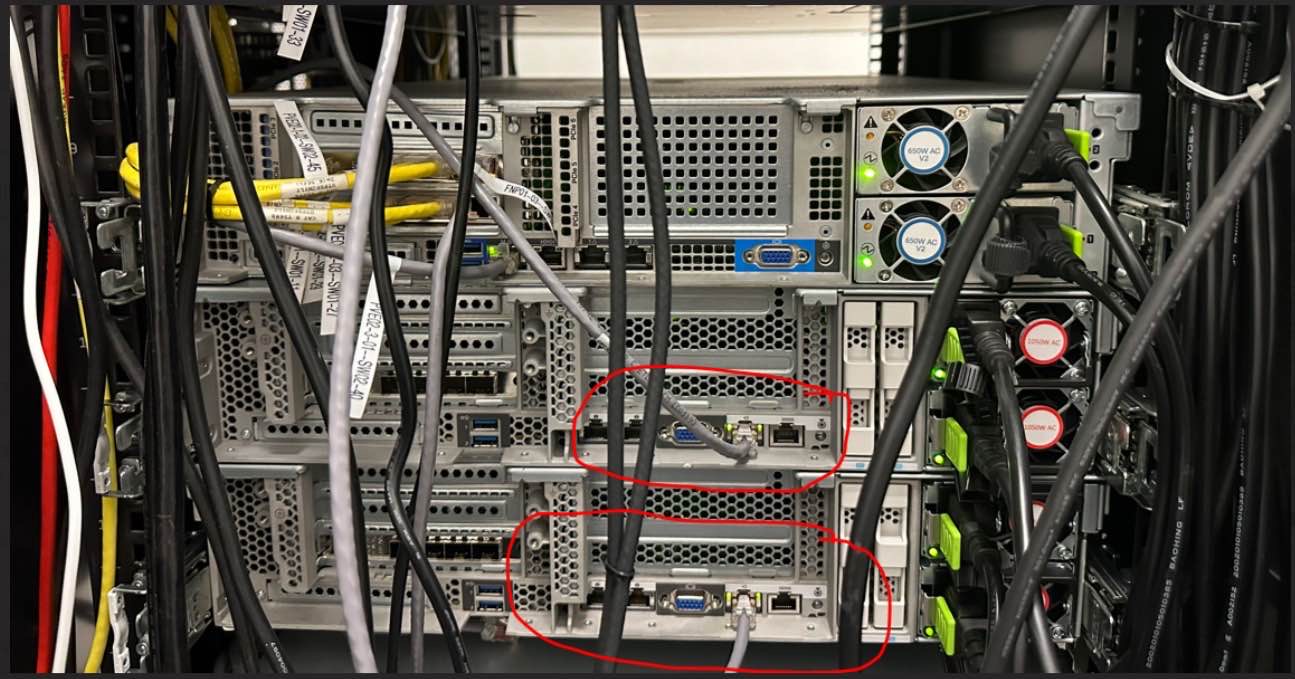
Capture baseline rack photos, serial numbers, labels, port state, and access confirmation when needed.
During the work
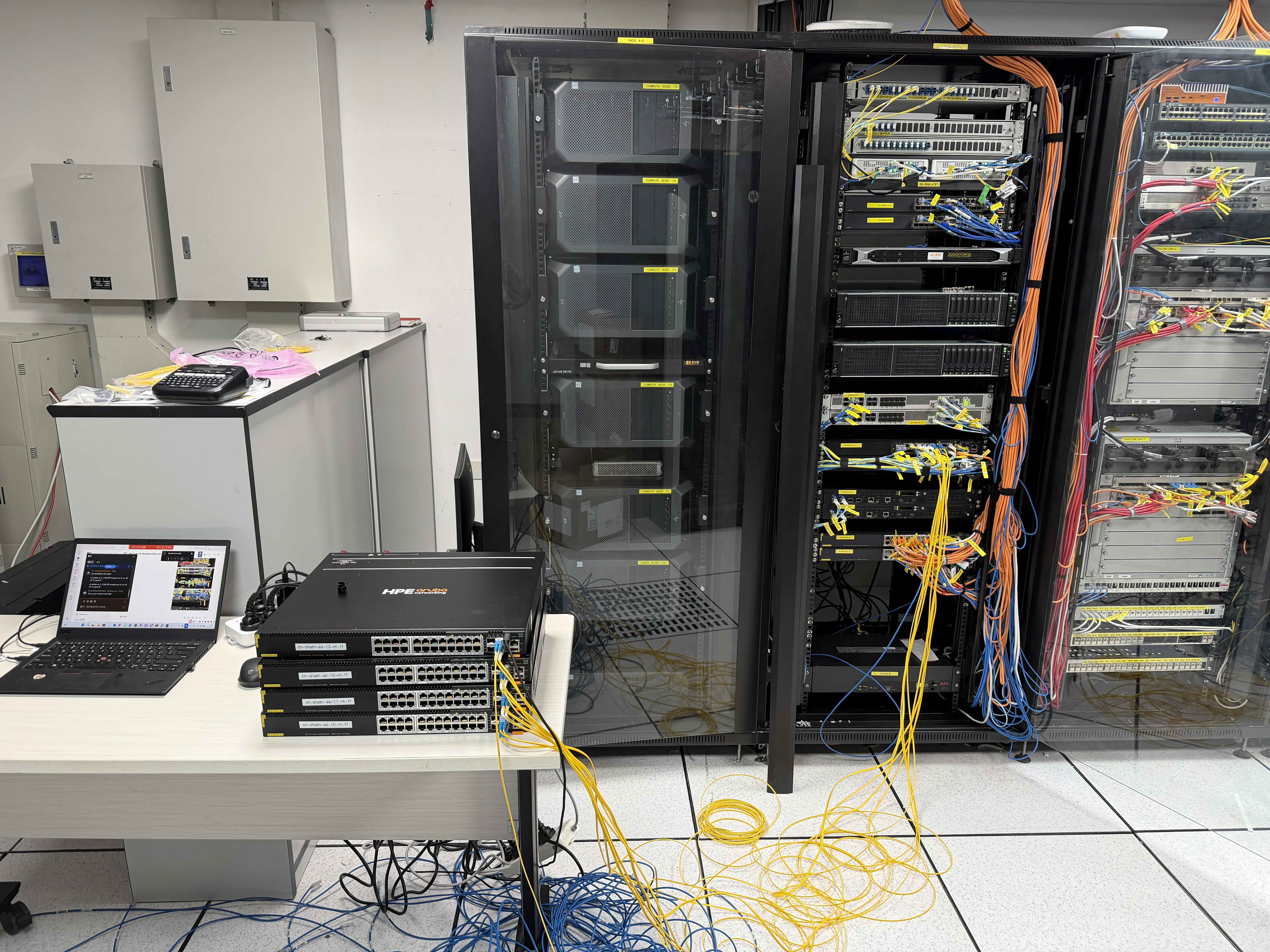
Use a checklist, remote bridge, photos, or step confirmation so the remote team can verify progress.
After the work
Return completion notes, after photos, labels, port checks, and open follow-up items.
Checklist
Details to prepare before contacting us
Send what you know first. If something is missing, we can ask for the remaining details before confirming the support path.
- Before photos
- After photos
- Device serial numbers
- Rack position and U height
- Port and patching checks
- Label or cable notes
- Remote bridge confirmation when needed
- Completion summary and follow-up actions
Process
Recommended preparation steps
Define what needs verification
Decide whether your team needs serial numbers, port checks, rack position, photos, or live remote confirmation.
Follow the onsite checklist
Use a clear checklist so the onsite engineer and remote team stay aligned.
Return usable records
Send photos, notes, checks, and follow-up items in a format the remote team can review quickly.
FAQ
Common questions
Can Smart Hands engineers join a remote bridge?
Yes. When required, onsite engineers can join a remote bridge or share live verification during the work.
What should we send before Smart Hands work?
Send the city, site access details, rack or room information, device list, task checklist, timing, tools needed, and records required after the visit.