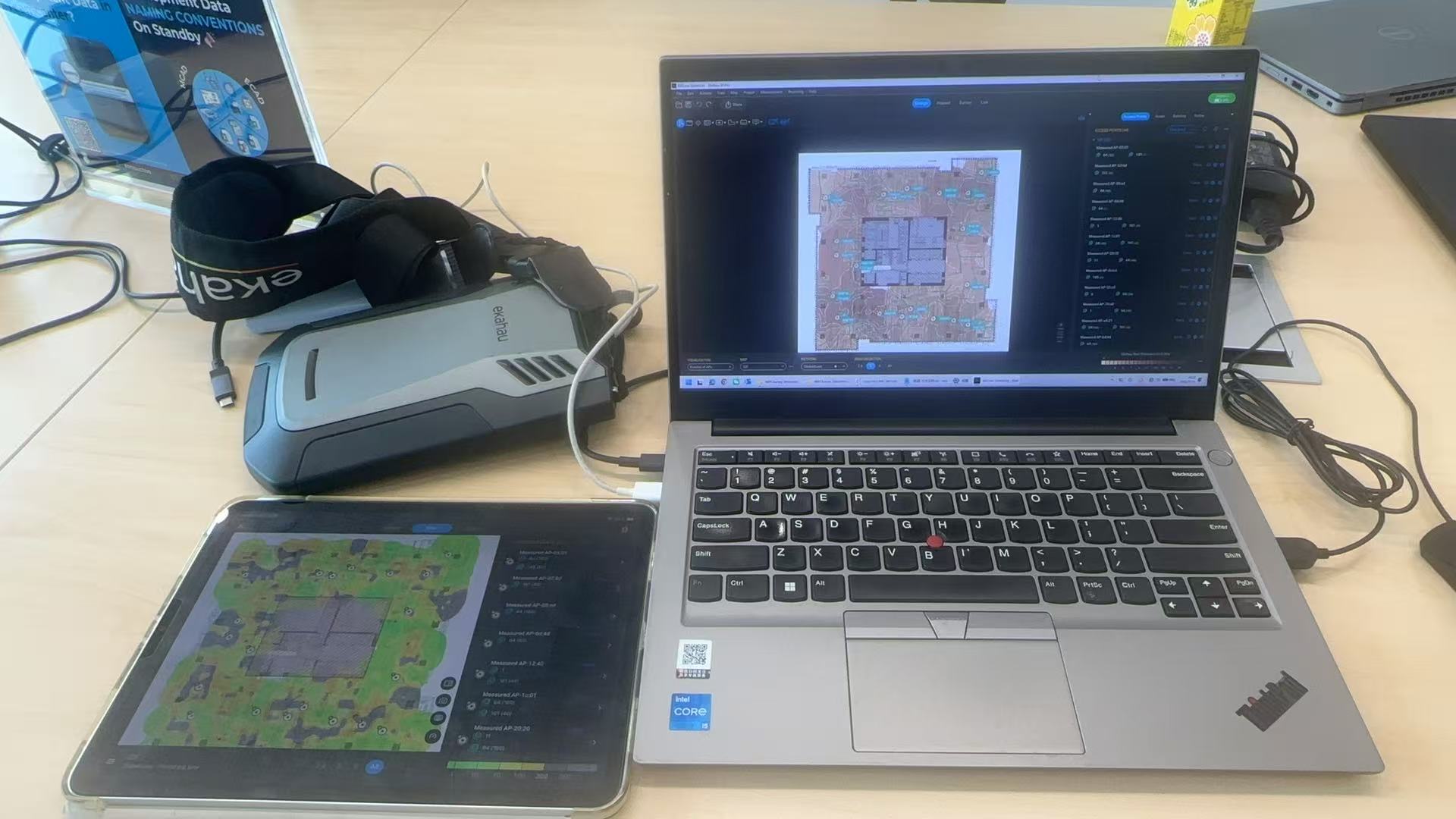
Guide
A WiFi survey is more than a heatmap
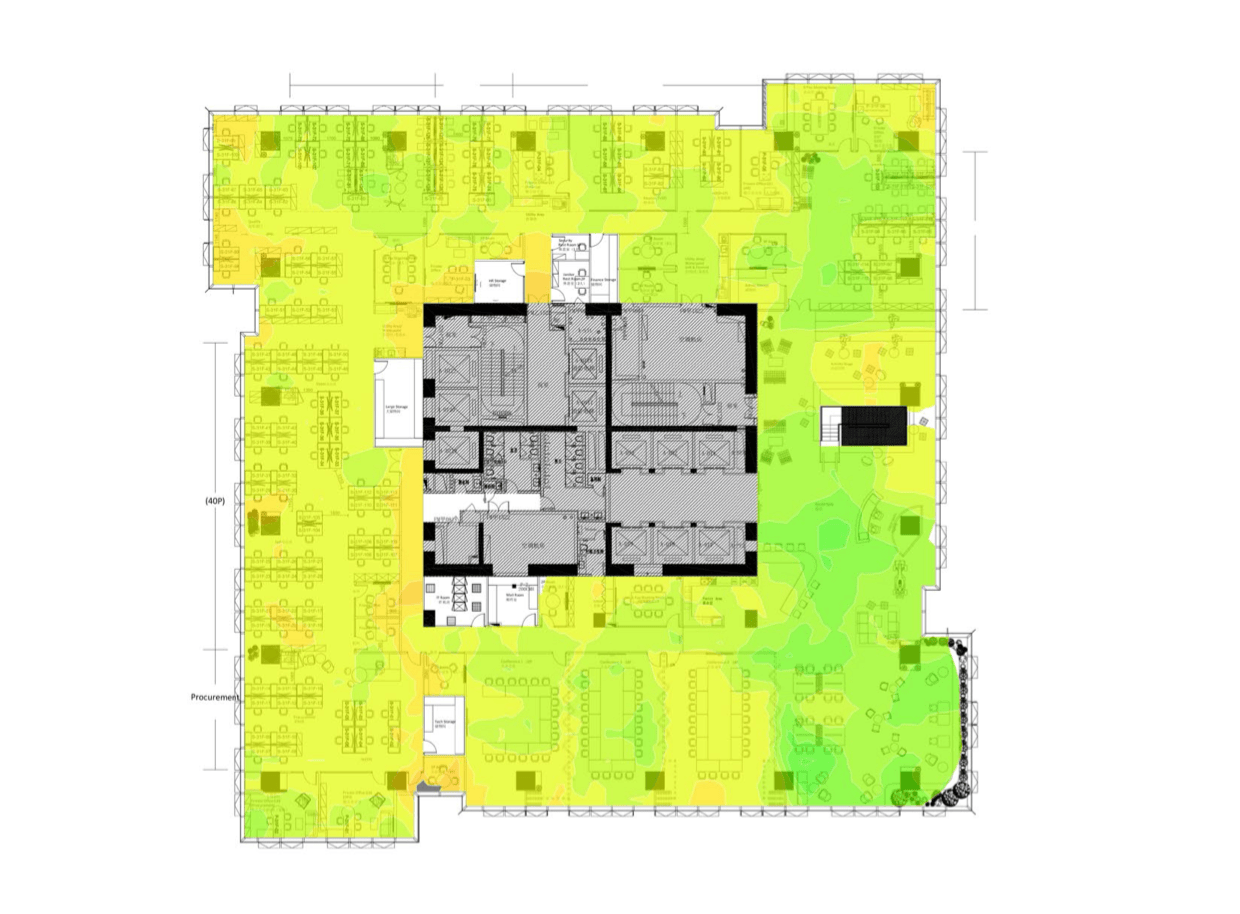
Heatmaps are useful, but the real value is connecting measured findings to business areas, device behavior, AP placement, and implementation priorities.
Before the visit
Collect floorplans, AP list, target areas, device types, user density, applications, and current complaints.
During the visit
Measure coverage, signal quality, channel use, roaming behavior, capacity risk, and interference clues in the real environment.
After the visit
Provide heatmaps, AP notes, issue findings, remediation priorities, and retest guidance.
Checklist
Details to prepare before contacting us
Send what you know first. If something is missing, we can ask for the remaining details before confirming the support path.
- City and site address
- Floorplans and survey area
- AP list, model, and controller details if available
- Device types and critical applications
- Known problem areas and current complaints
- Warehouse rack layout or high-density zones when applicable
- Report format and implementation needs
Process
Recommended preparation steps
Plan the survey
Review floorplans, target areas, AP information, device types, and expected outcomes.
Measure onsite
Capture WiFi data in the actual site using Ekahau-based workflow and onsite validation.
Report and prioritize
Translate findings into heatmaps, AP notes, priority fix list, and retest guidance.
FAQ
Common questions
Can WiFi survey reports guide implementation?
Yes. A useful report should include AP notes, coverage findings, priority fixes, and retest guidance.
Can warehouses and factories be surveyed?
Yes. Warehouse and factory WiFi surveys can be reviewed when the floorplan, target areas, and device requirements are clear.