
Planning Guide
Start before the move-in date
The best office setup projects clarify site access, building rules, carrier handoff, rack space, WiFi coverage, user readiness, and evidence records before engineers arrive.
Network and room readiness
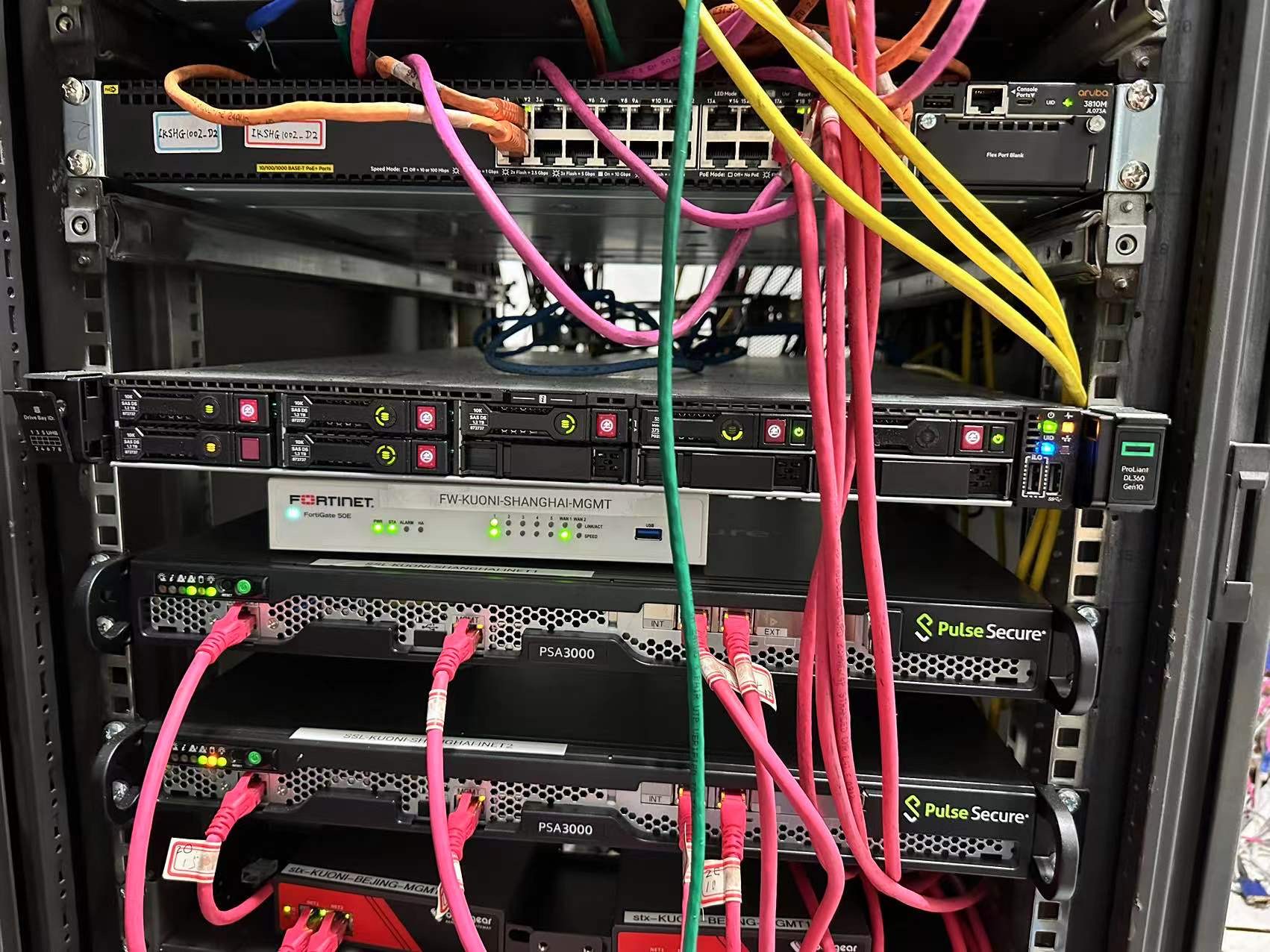
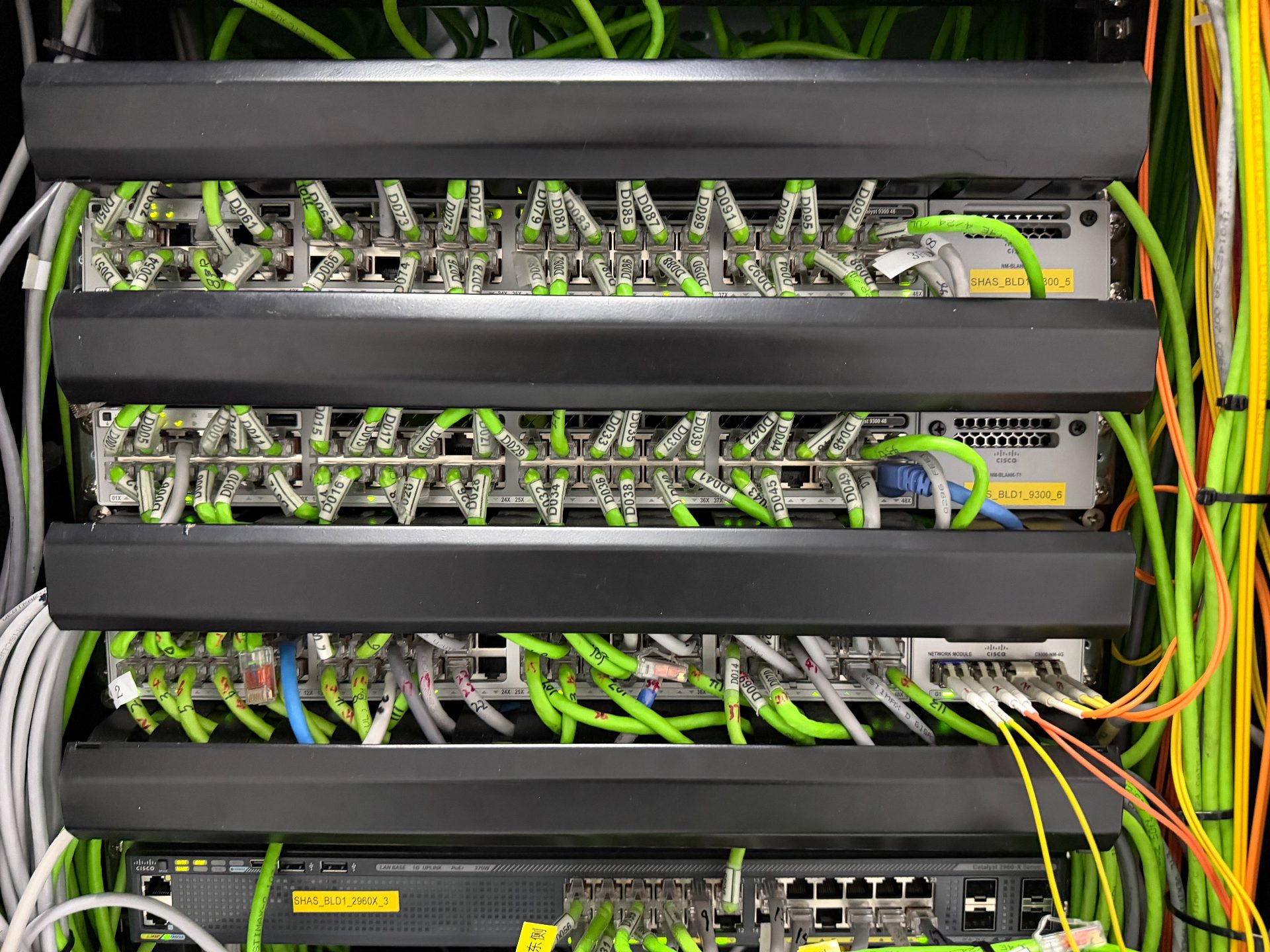
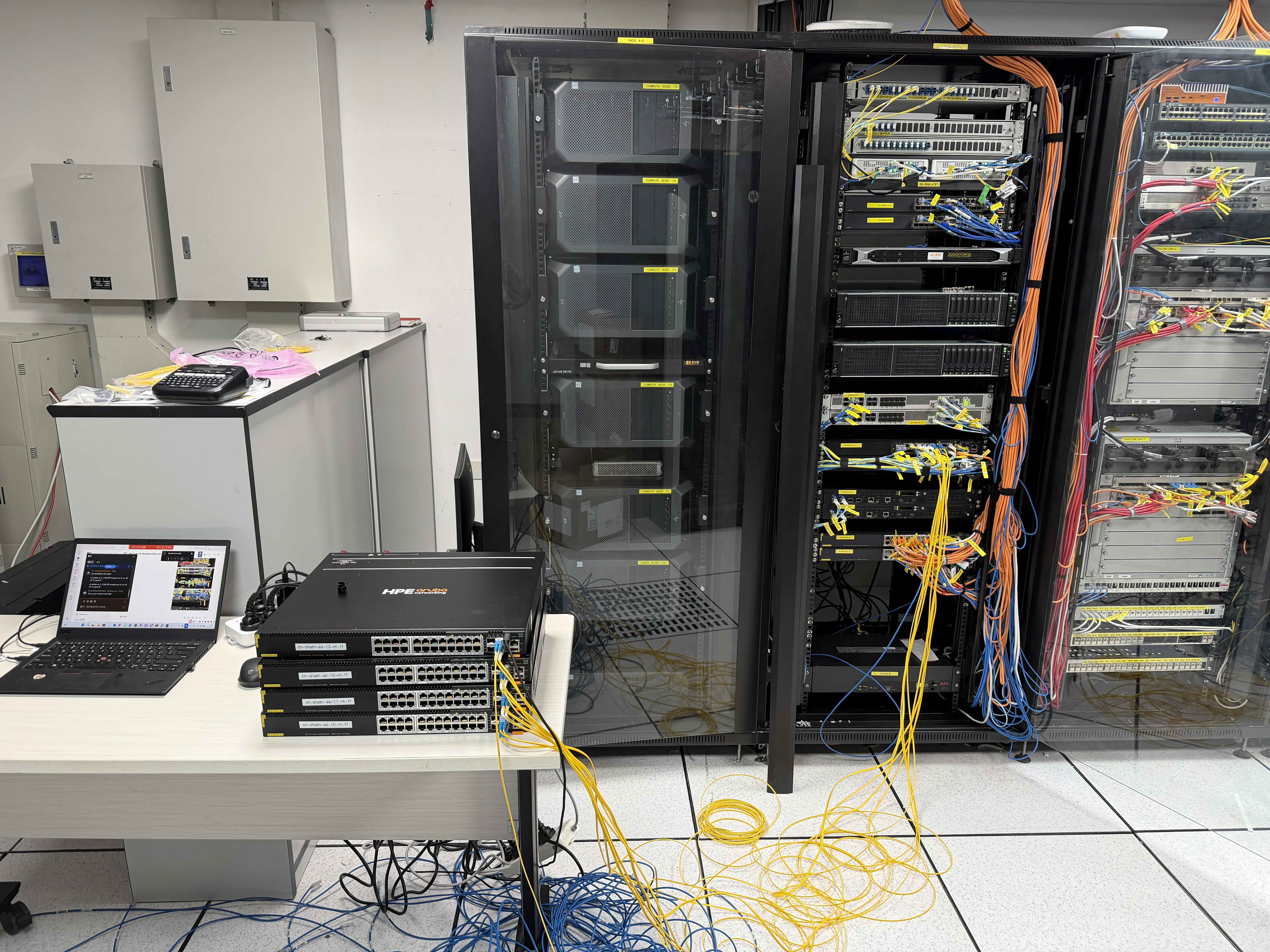
Confirm rack space, power, carrier handoff, patch panels, labeling, switch/firewall placement, and remote access requirements.
User and endpoint readiness
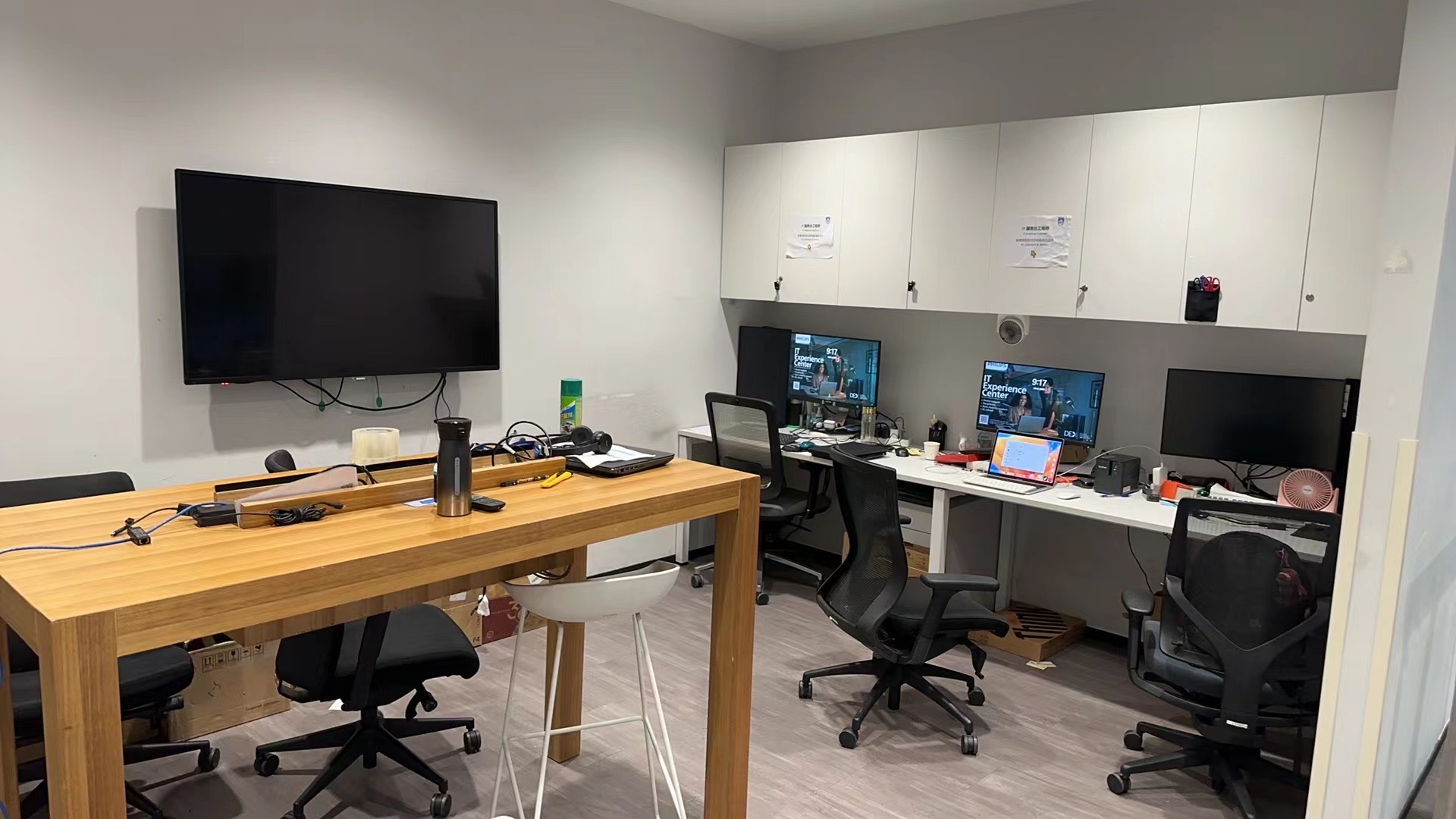
Plan device imaging, account readiness, MFA, VPN, printers, meeting rooms, and day-one support.
Planning Guide
Make handover visible
Remote teams need clear records after the visit: photos, labels, AP notes, endpoint status, open issues, and next actions.
WiFi should be verified
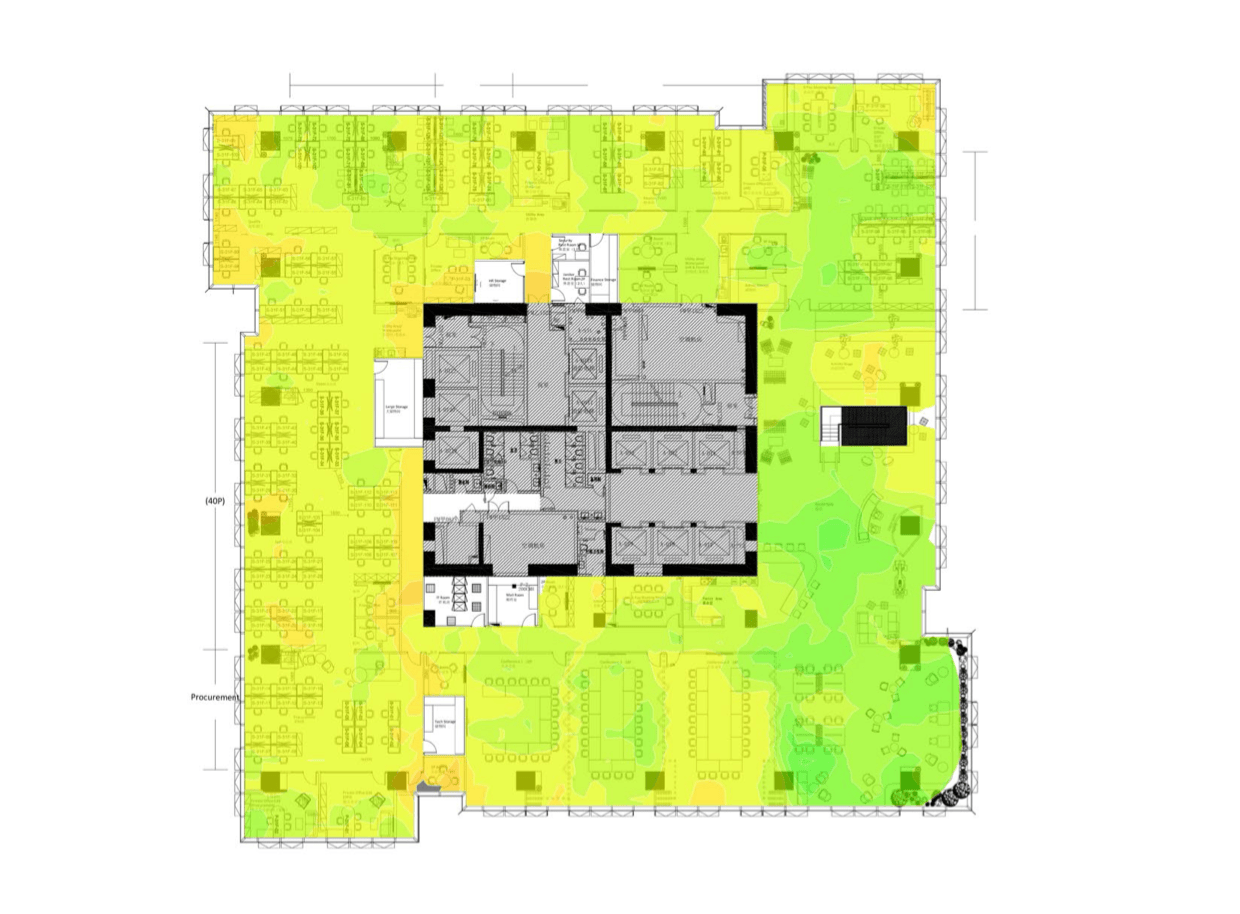
Do not rely only on AP installation. Validate real coverage, roaming, and business-critical areas before users depend on the office.
Day-one support should be planned
The first working day often reveals endpoint, printer, meeting-room, VPN, and account issues that need onsite help.
Checklist
Details to prepare before contacting us
Send what you know first. If something is missing, we can ask for the remaining details before confirming the support path.
- City, address, office floor, and move-in date
- Building access rules and work-hour restrictions
- Network room photos, rack layout, power, and carrier handoff
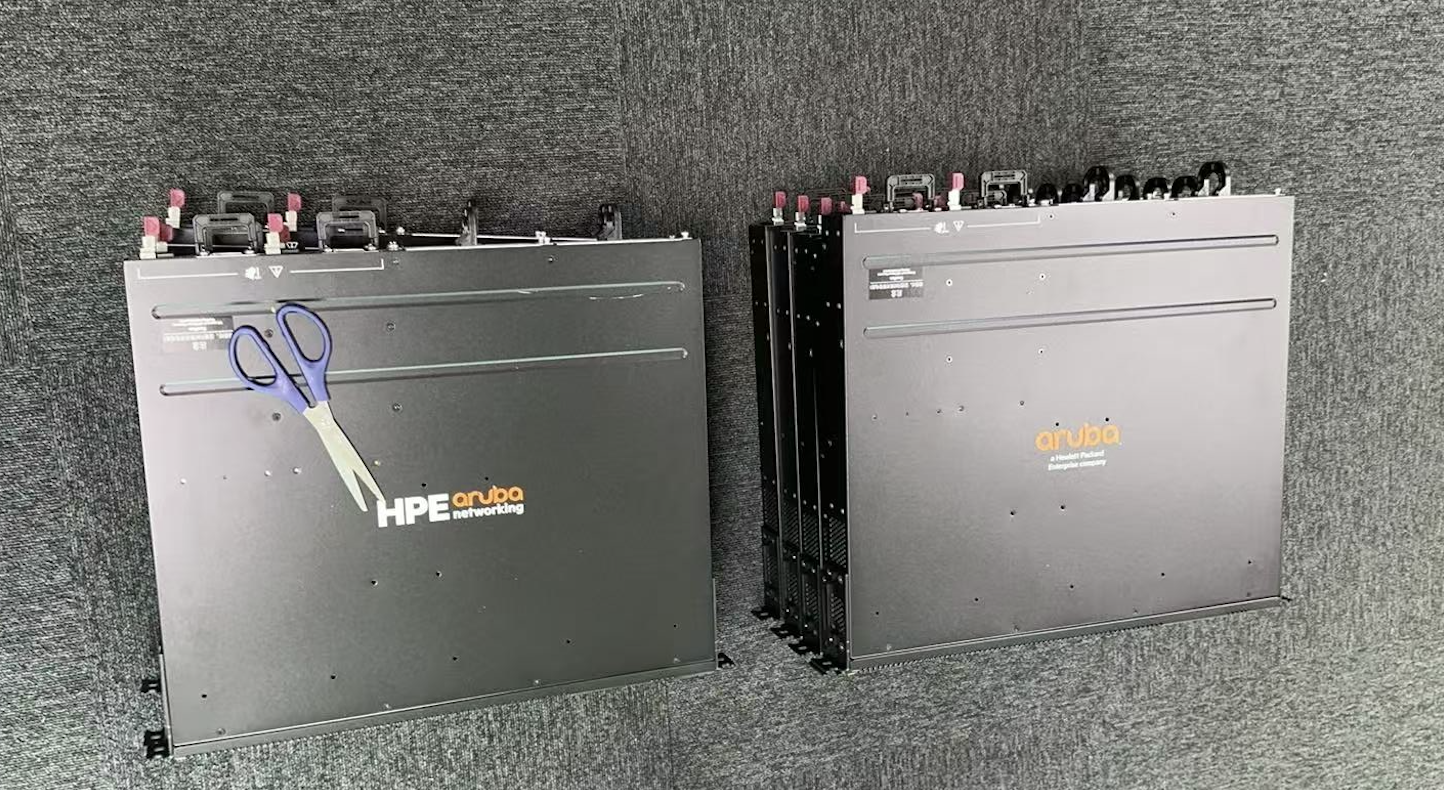
- Firewall, switch, AP, printer, and endpoint list
- Floorplans and business-critical WiFi zones
- User onboarding plan and day-one support needs
- Records required after installation and handover
Process
Recommended preparation steps
Review the site and access path
Confirm building rules, site contact, engineer entry, delivery timing, and any safety or vendor requirements.
Plan infrastructure and WiFi
Check rack, cabling, firewall, switching, AP placement, floorplans, and validation needs.
Prepare user support and records
Define endpoint handoff, first-day support, photos, asset updates, and final closeout notes.
FAQ
Common questions
Can office setup include WiFi survey and desktop support?
Yes. A new office project can combine Smart Hands, cabling checks, WiFi validation, endpoint handoff, and day-one desktop support.
What should overseas IT teams send first?
Send the city, address, floorplans, move-in timeline, network room information, device list, local contact, and required handover records.