
Clear project context
Document the site type, city, task, access conditions, and the purpose of the onsite visit.
Case Study
From April 2017 to April 2020, our dispatch team supported medium and small sites for Aptiv across 14 China cities. Customer-provided resident engineers covered the largest sites, while our scope combined ServiceNow onboarding, site surveys, supplier handover, a 2-business-day service requirement, daily desktop support, and an approximately 3,500-PC refresh.
Project Context
The customer operated large, medium, and small locations across China. Its largest sites used customer-provided resident engineers for daily support. Our dispatch team was responsible for medium and small sites, including factory locations far from major city centers.
Delivery Challenge
The project required a clear boundary between resident support and dispatch coverage, while keeping ticket handling and onsite records consistent across very different locations.
Large sites were supported day to day by resident engineers provided by the customer. Our responsibility was the medium and small site network, where an engineer needed to be dispatched when an incident or request required onsite work.
Many of the covered locations were factories situated a considerable distance from city centers. Meeting the 2-business-day service requirement therefore depended on more than technical availability. The team also had to account for travel time, factory access approval, local contacts, engineer skills, spare parts, and the information available in the ticket.
A consistent process allowed the service desk, customer teams, local contacts, third-party vendors, and field engineers to work from the same scope. Each visit needed a clear assignment, onsite checklist, ticket update, completion record, and escalation path for work that could not be closed during the visit.
Service Transition
Before taking responsibility for dispatch support, the team completed customer-specific ServiceNow training, site surveys, knowledge transfer, system setup, and access validation.
PC Lifecycle Program
The engagement also included a large PC refresh program for devices reaching the customer's three-, four-, or five-year replacement threshold.
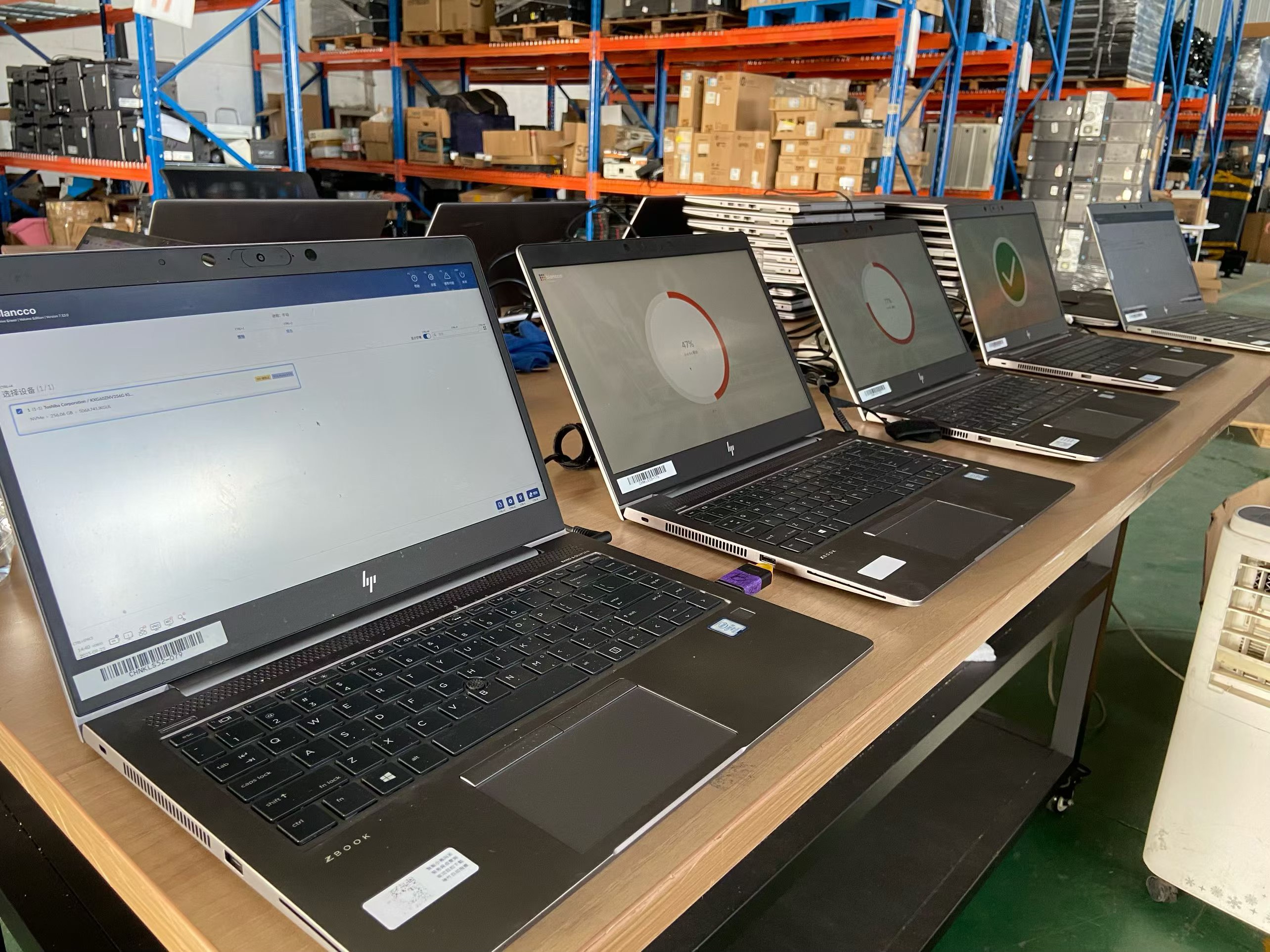
Approximately 3,500 computers were refreshed during the project period. Each replacement involved more than exchanging one device for another: the team prepared the new computer, installed the approved operating system and software, backed up and migrated user data, applied the required settings, and checked the completed device with the user.
The final handover followed a checklist and required user sign-off. This created a traceable record linking the old device, new device, configuration work, data transfer, user acceptance, and asset update.
PC Refresh Workflow
The refresh workflow was designed to protect user data, apply the standard build, and document completion for every device.
Day-to-Day Scope
The dispatch scope combined endpoint troubleshooting with controlled escalation to hardware vendors, application owners, and specialist teams.
Most user computers were covered by a three- or four-year manufacturer warranty. When hardware failed, our engineer performed initial checks, collected the device information, and coordinated the onsite repair with the manufacturer. If a failed drive was replaced, a second visit could be required to reinstall the operating system, restore user data, install applications, and return the computer to service.
For devices outside warranty or beyond the approved lifecycle, the user could submit a request for a replacement computer. The support team confirmed the equipment status, updated the ticket, and followed the customer's replacement workflow rather than carrying out an unsupported repair.
Standard software support covered Windows and Microsoft 365. For specialist applications, the engineer first checked for an approved support document. If a documented procedure did not resolve the issue, the incident or request was escalated to the third-party vendor. Where no desktop support procedure existed, the ticket was reassigned to the appropriate application or internal support team.
Project Scope and Records
The project established a repeatable dispatch workflow for medium and small sites while supporting a large endpoint replacement program alongside daily user support.
Across the three-year project, the dispatch model covered 14 China cities and supported approximately 3,500 PC refreshes. Site surveys, ServiceNow workflows, supplier handover, ticket records, hardware escalation, refresh checklists, and user sign-off provided the operational record behind the work.
Project Records
Good project records give remote teams a reliable account of the onsite visit while protecting customer information and site confidentiality.
Document the site type, city, task, access conditions, and the purpose of the onsite visit.
Return the useful details from the visit: work completed, photos, serial checks, labels, test notes, and open items.
Provide the agreed ticket notes, report extracts, asset records, WiFi findings, certificates, or sign-off documents.
Customer names, site details, photos, and project outcomes are shared publicly only when approved.
Related Service
Review the onsite work, support options, records, and information to send before a visit.
Desktop Support / EUC
When your team needs user-facing IT work done in China, GreenITService provides local desktop, deskside, EUC, and end-user support for offices, factories, warehouses, and branch locations. We dispatch the right onsite IT engineer, follow your ticket or work order, and report back clearly in English.
Explore Desktop Support / EUC in ChinaRepresentative Media
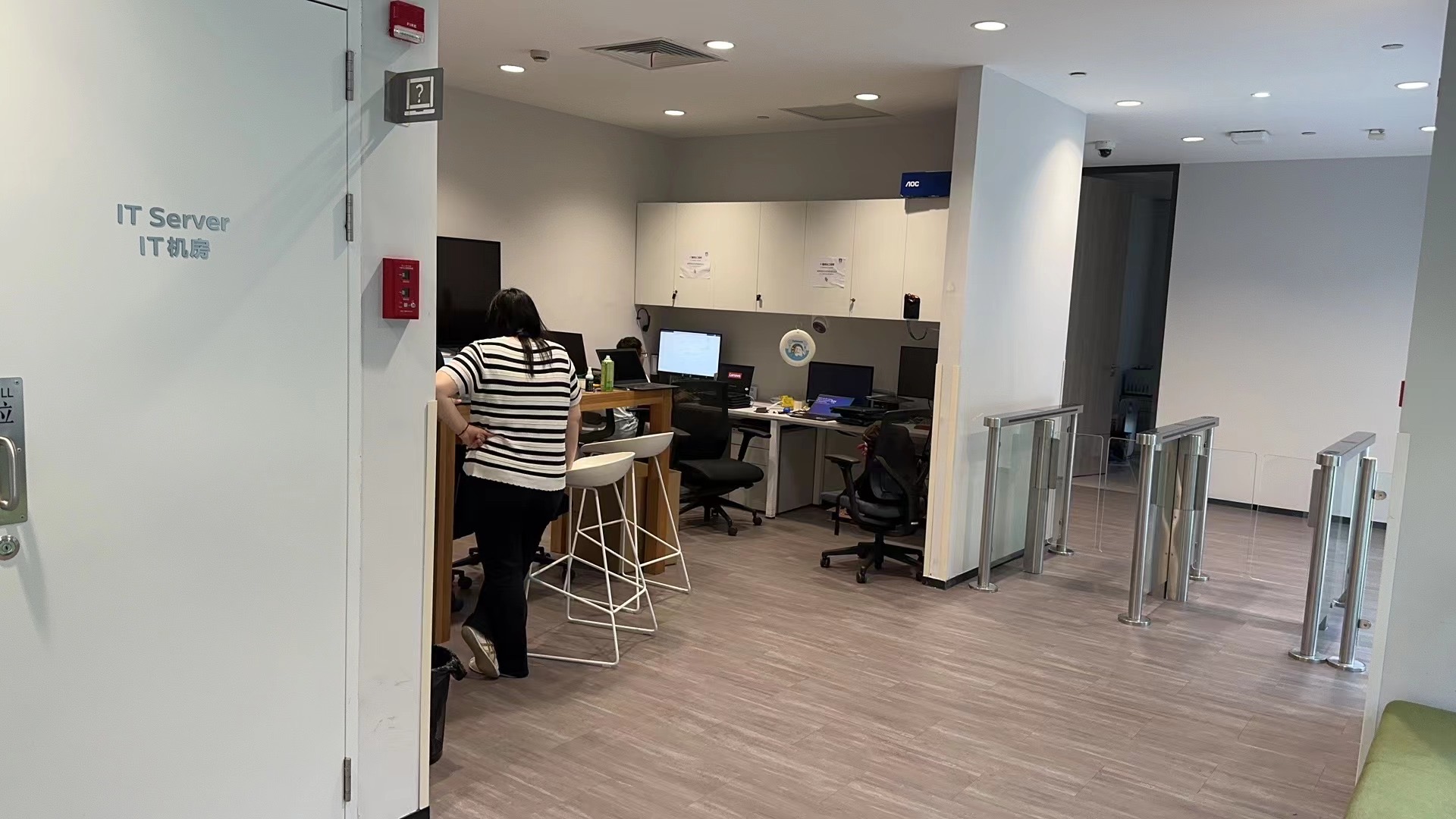
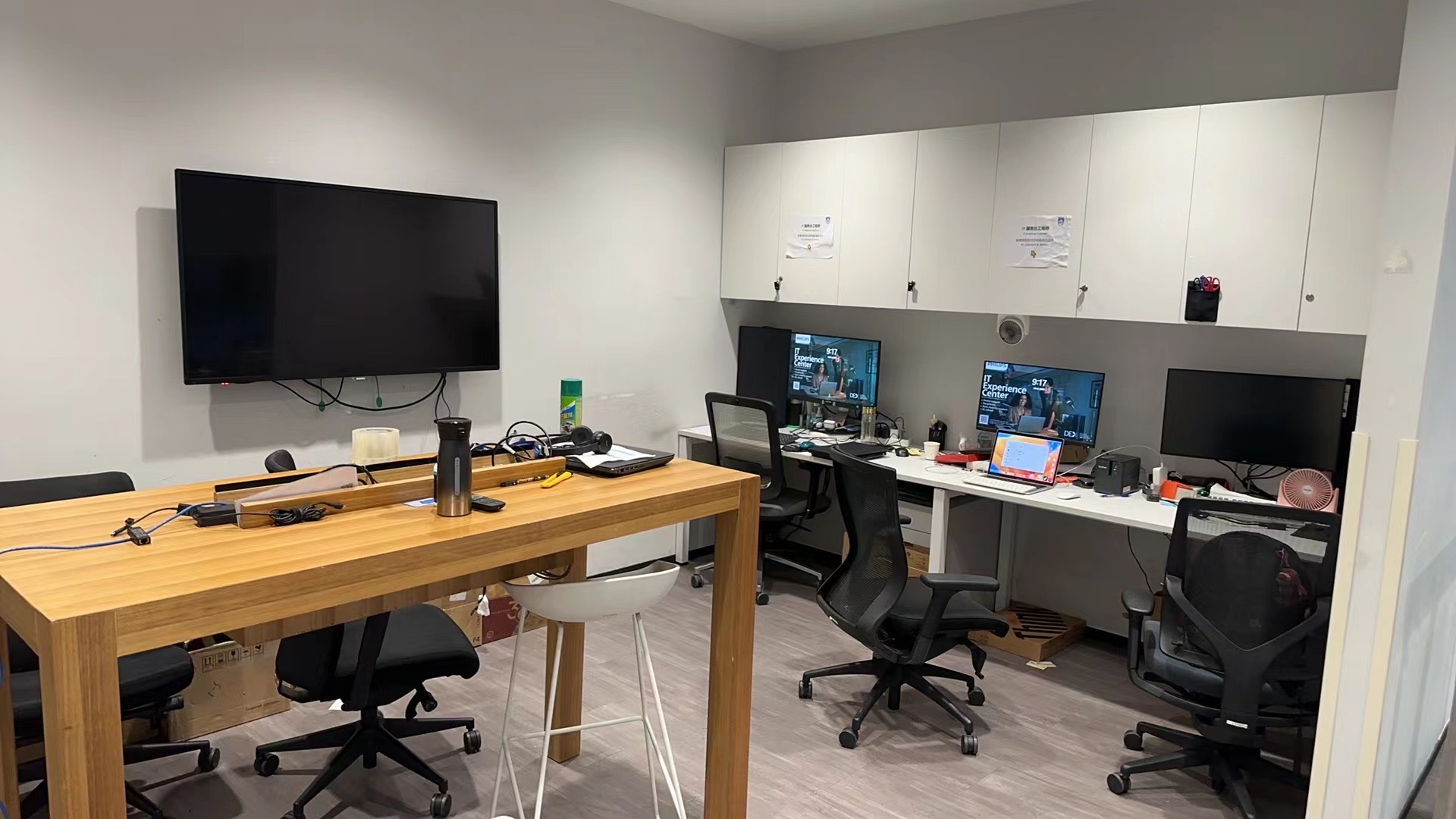
The following images illustrate the type of working environment and records used in desktop support delivery. They are not disclosed customer site records from this project.
FAQ
The customer provided resident engineers for its largest sites. GreenITService delivered dispatch support for medium and small sites across the 14 listed cities.
Many locations were factories far from city centers. Each visit required coordination of travel time, site access, the correct engineer skills, local contacts, tools or parts, and the 2-business-day service requirement.
It was an additional project stream delivered during the wider engagement. Approximately 3,500 computers were prepared, migrated, checked, handed over, and documented.
The customer is Aptiv. Customer-specific site addresses, records, and project photos are not published.
Next Step
Desktop support moves faster when we can see the affected users, devices, timing, access rules, and the update format your remote team needs after the visit.