
Clear project context
Document the site type, city, task, access conditions, and the purpose of the onsite visit.
Case Study
Since April 2019, our Dispatch team has supported medium and small sites for Philips Healthcare across 17 China cities. The ongoing engagement combines a 2-business-day service requirement, customer-provided resident engineers at large sites, and approximately 4,300 desktop support tickets handled through a structured field-support workflow.

Project Context
The customer operates a distributed site network that cannot be supported with one identical staffing model. Large sites retain a customer-provided resident engineer presence, while medium and small sites use coordinated Dispatch support when onsite work is required.
Delivery Challenge
Healthcare operations often depend on reliable user access, local coordination, and predictable issue handling across sites with very different staffing levels.
The largest sites were supported day to day by resident engineers provided by the customer. Our responsibility was the medium and small site network, where a Dispatch engineer was assigned when a ticket required onsite assistance.
The challenge was to maintain a consistent support experience across 17 cities while working within a 2-business-day service requirement. A smaller site may not have a full-time engineer, a local IT contact, or the same access arrangements as a major site. Each dispatch therefore required accurate ticket information, local coordination, engineer availability, and a clear completion path.
The model kept the customer’s existing resident support structure in place while extending field coverage to the locations where a flexible Dispatch response was more practical than permanent onsite staffing.
Dispatch Workflow
A repeatable workflow helps the central support team and local engineers work from the same ticket, site, and service information.
Desktop Support Scope
The Dispatch model connects central ticket handling with local technical work while preserving the customer’s escalation and approval boundaries.
The support scope can include desktop and laptop troubleshooting, operating system assistance, standard business application support, peripheral checks, device replacement coordination, and basic connectivity diagnosis. The engineer follows the approved procedure available for the ticket and records the result for the central support team.
When a hardware issue requires manufacturer service, the onsite findings and device information can be used to support vendor escalation. When the issue concerns a specialist application, the ticket is handled according to the available support documentation and ownership model. Issues outside the approved desktop scope are routed to the appropriate application, infrastructure, or vendor team.
This separation keeps the Dispatch team focused on the work it is authorized to perform while giving the customer a clear record of what was checked onsite and what still requires specialist action.
Engagement Results
The engagement provides a repeatable way to extend desktop support to medium and small healthcare sites without duplicating the resident-engineer model at every location.
Since April 2019, the Dispatch team has supported the customer’s medium and small sites across 17 China cities and handled approximately 4,300 tickets within the project’s 2-business-day service requirement. The operating model connects customer resident engineers, central ticket handling, local contacts, field engineers, and escalation teams.
Project Records
Good project records give remote teams a reliable account of the onsite visit while protecting customer information and site confidentiality.
Document the site type, city, task, access conditions, and the purpose of the onsite visit.
Return the useful details from the visit: work completed, photos, serial checks, labels, test notes, and open items.
Provide the agreed ticket notes, report extracts, asset records, WiFi findings, certificates, or sign-off documents.
Customer names, site details, photos, and project outcomes are shared publicly only when approved.
Related Service
Review the onsite work, support options, records, and information to send before a visit.
Desktop Support / EUC
When your team needs user-facing IT work done in China, GreenITService provides local desktop, deskside, EUC, and end-user support for offices, factories, warehouses, and branch locations. We dispatch the right onsite IT engineer, follow your ticket or work order, and report back clearly in English.
Explore Desktop Support / EUC in ChinaRepresentative Media
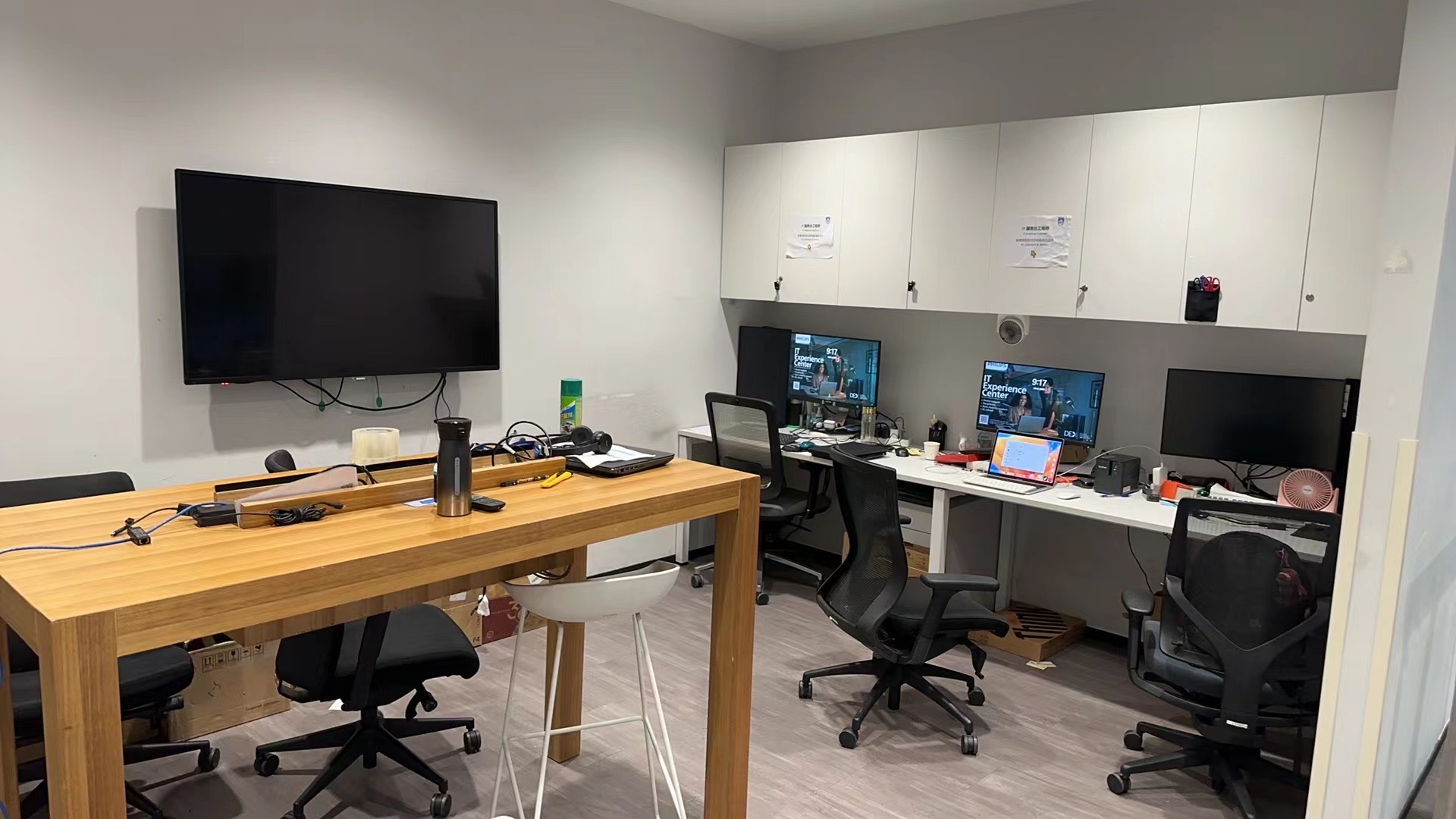
These images illustrate the type of onsite field-support environment and documentation used in desktop service delivery. They are representative visuals, not disclosed customer site records.
FAQ
The customer provides resident engineers for the largest sites and uses them for daily onsite support. GreenITService provides Dispatch support for medium and small sites.
The current coverage includes Kunming, Lanzhou, Nanchang, Nanjing, Nanning, Ningbo, Qingdao, Shenyang, Shijiazhuang, Taiyuan, Tianjin, Urumqi, Wuhan, Xiamen, Xi'an, Zhengzhou, and Zhuhai.
2BD means a 2-business-day service requirement. The customer’s operating agreement should define whether the measurement applies to response, dispatch, resolution, or another milestone.
The reported project volume is approximately 4,300 tickets. Customer-specific ticket extracts and identifying records are not published.
The customer is Philips Healthcare. Site addresses, ticket records, and customer-specific project materials are withheld.
Next Step
Desktop support moves faster when we can see the affected users, devices, timing, access rules, and the update format your remote team needs after the visit.